
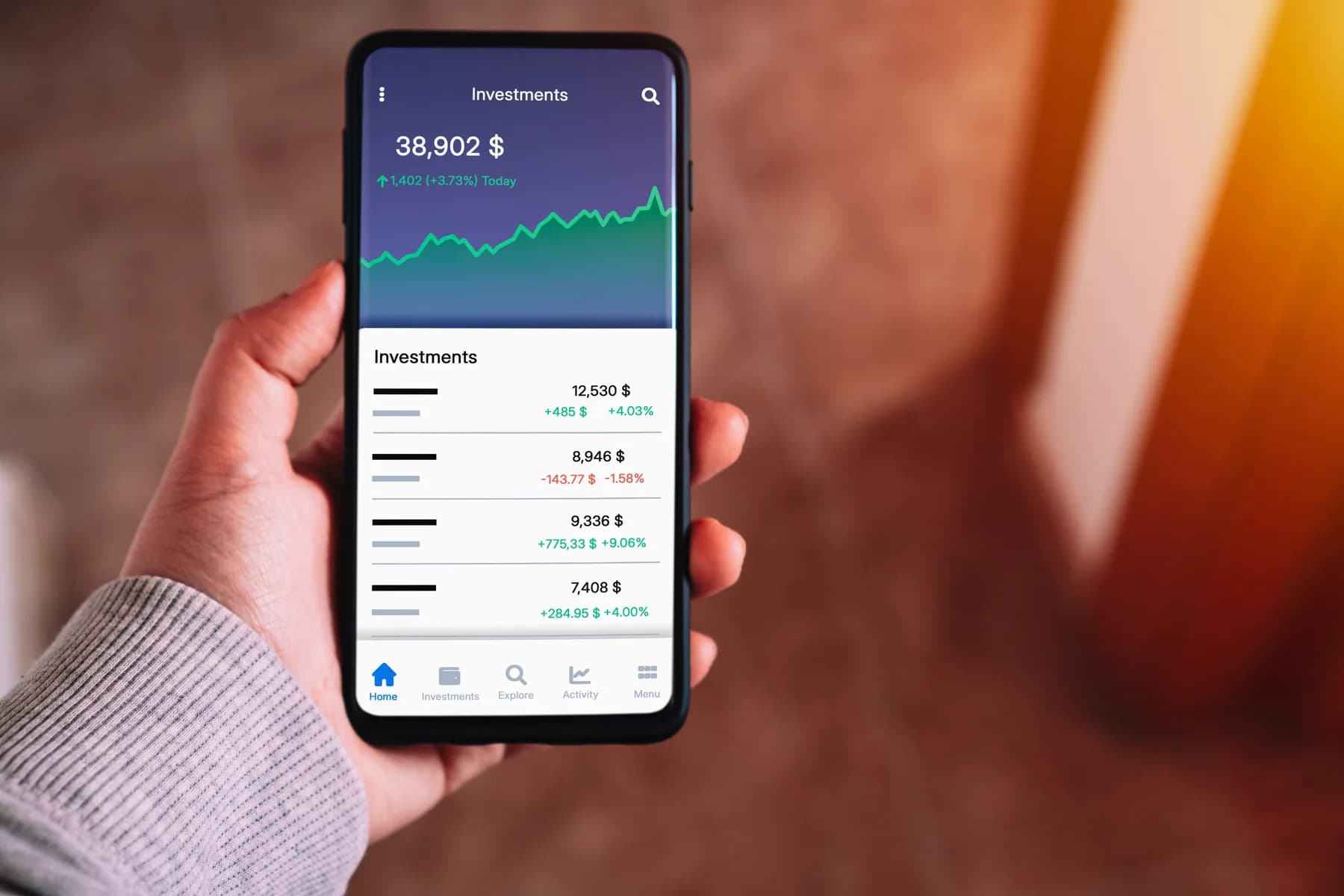
Trade anywhere, on any phone
iOS & Android
Take the markets with you. Trade on iPhone, iPad and Android with MetaTrader 5 — live prices, full charting and one-tap orders in your pocket.

About iOS & Android
The mobile apps give you the same powerful MetaTrader 5 experience as the desktop: monitor your positions, analyse charts with technical indicators and place or manage orders wherever you are, with real-time alerts so you never miss a move.
Key Features
- Available on iOS and Android
- Full charting with technical indicators
- Place and manage orders on the go
- Real-time prices and alerts
Get Started
Trading on iOS & Android in 4 Steps
- 1Download the app from the App Store or Google Play
- 2Log in with the credentials from your welcome email
- 3Choose the Novixa Capital server when prompted
- 4Fund your account and start placing trades
FAQs
Mobile trading, explained.
Clear answers to common questions about Mobile trading at Novixa Capital.
Use the official MetaTrader 5 app linked from Novixa's platform page. Confirm the publisher in the app store and avoid unofficial APKs or apps sent by a third party.
Choose the existing-account login option in MT5 and enter your issued trading account and server details. Ask support if you cannot locate the correct server.
Do not assume mobile MT5 runs desktop Expert Advisors. Automation needs a supported running environment; the mobile app can be used to monitor the account.
You may be unable to send or change orders until connectivity returns. Previously accepted server-side orders and positions are governed by the account's trading rules; check their status after reconnecting.